Install the flow Salesforce Package
Install the flow package in your Salesforce org to connect your CRM to your cloud co-sell portals, marketplaces, and partner programs - and manage your entire ecosystem sales motion without leaving Salesforce.
Prerequisites
- Salesforce admin access
- Your flow activation email
Step 1: flow Installation
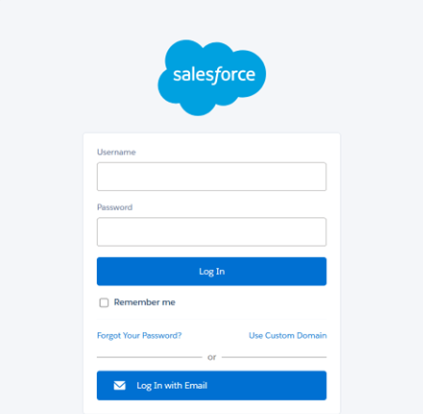
You will then be redirected to the installation screen.
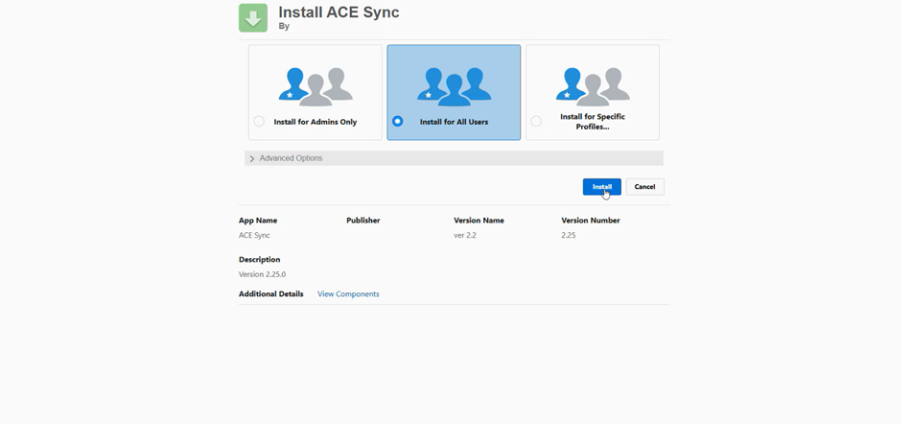
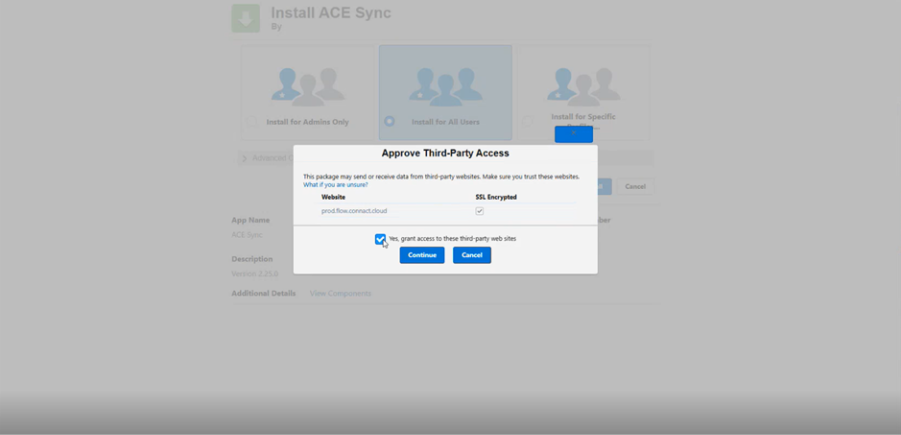
2. Select Install for All Users, approve third-party access, and click Install.
Installation may take 3–5 minutes, and Salesforce will send an email notification once it is complete.
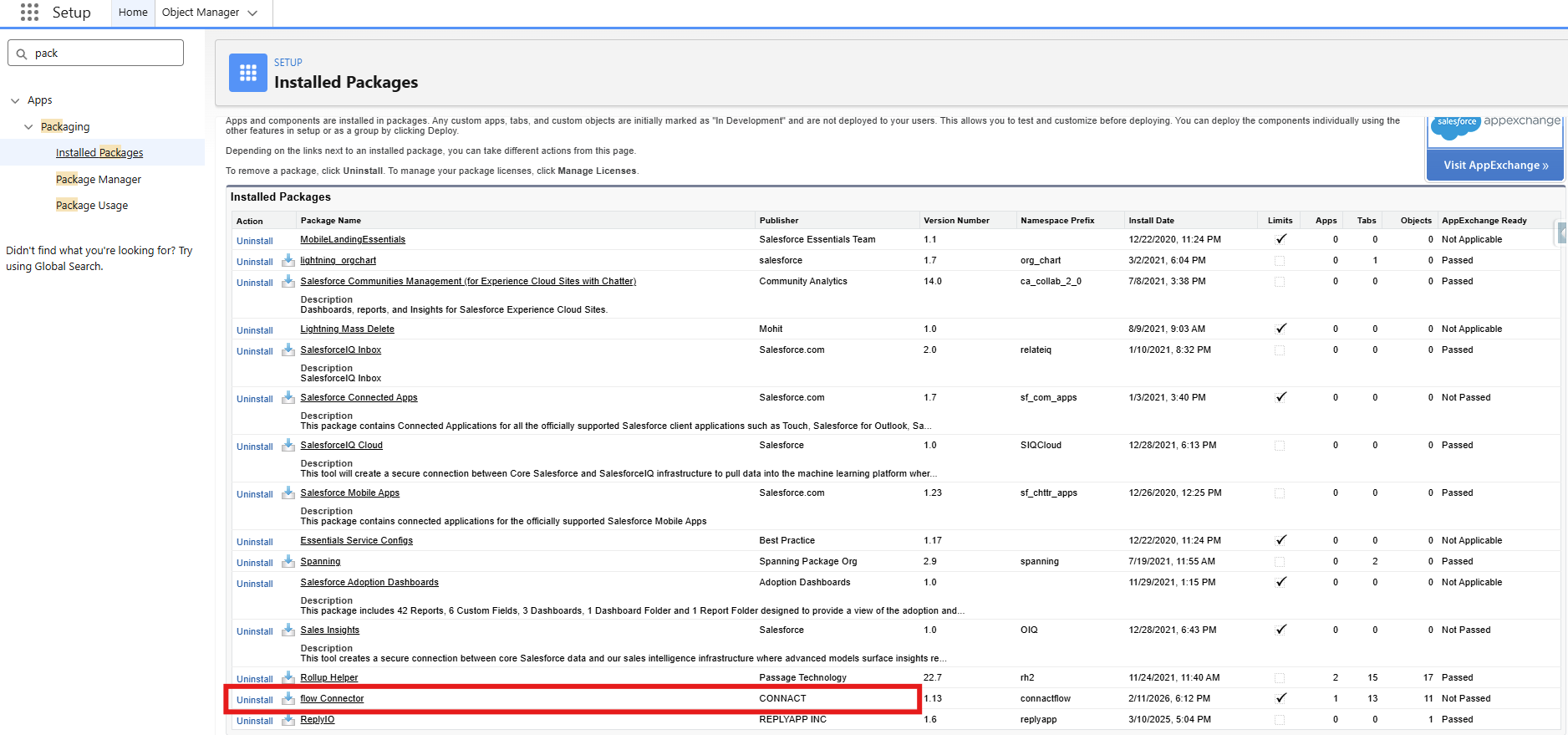
When installation is finished, you can verify it under Setup → Installed Packages.
Step 2: Launch the flow Console in Salesforce
To open flow inside Salesforce:
1. Click the App Launcher.
2. Search & click flow console.
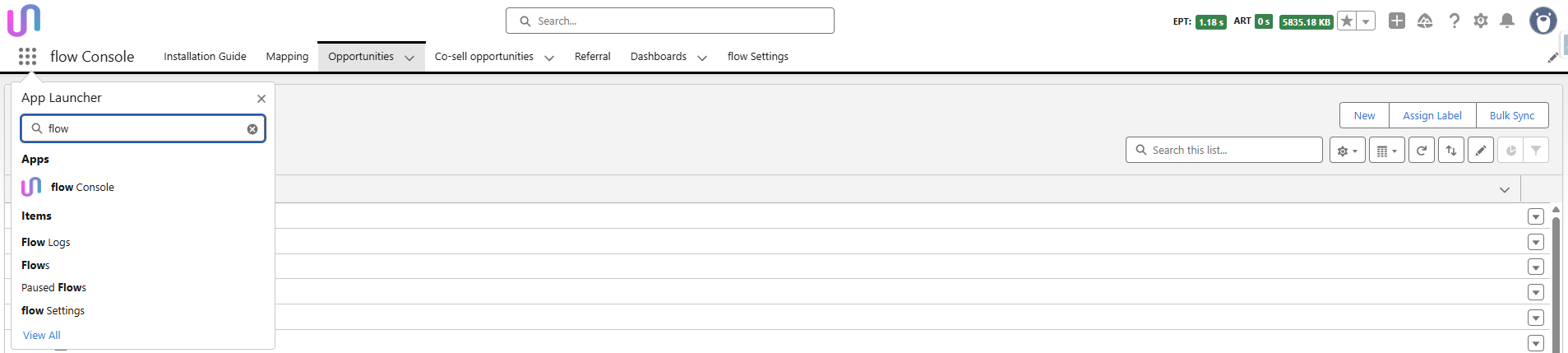
This will direct you to the flow setup and configuration area inside Salesforce.
Was this article helpful?
That’s Great!
Thank you for your feedback
Sorry! We couldn't be helpful
Thank you for your feedback
Feedback sent
We appreciate your effort and will try to fix the article