Welcome to flow — we’re happy you’re here.
flow was built to simplify how you manage cloud partnerships. No more switching between portals, no more manual ACE updates, and no more guessing which opportunities need attention. With flow, your team gets automated co-sell workflows, accurate data directly inside Salesforce, and a seamless connection to AWS ACE.
This guide will walk you through setting up your account and installing the flow package so you can start syncing opportunities and managing your AWS co-sell motions with confidence.
Before you begin
- An active Flow account with a valid license key (provided by the Flow team)
- Your AWS Partner Central access key ID and secret key (from your AWS console)
- Your AWS Region and AWS Service
- Access to your Salesforce Production or Sandbox environment
- An admin credentials to log into Salesforce (Developer edition or company license).
Account Activation
To begin using flow, open the onboarding link you received from Connact or from your AWS Marketplace purchase confirmation. This link will take you directly to the flow landing page.
Step 1: Choose how you want to get started
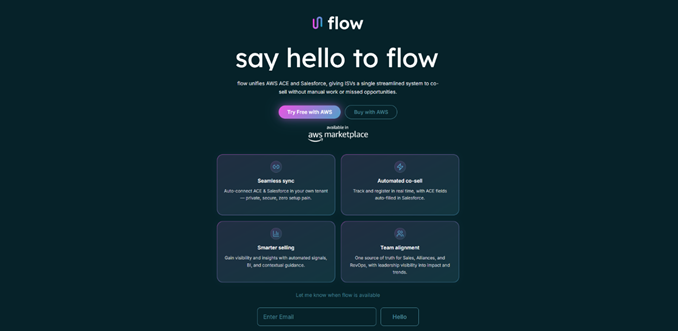
On the landing page, select one of the following options:
Start free trial
Choose this option if you would like to evaluate flow before purchasing.
You will be guided through a quick account-creation process, and your trial environment will activate automatically.
Purchase
Choose this if you already completed your AWS Marketplace purchase - or if you want to buy flow now through AWS. This option confirms your Marketplace subscription or redirects you to complete it.
Step 2:
- After selecting your path, click View purchase options to continue.
- Login to AWS Marketplace.
Step 3: Select the flow product in AWS Marketplace
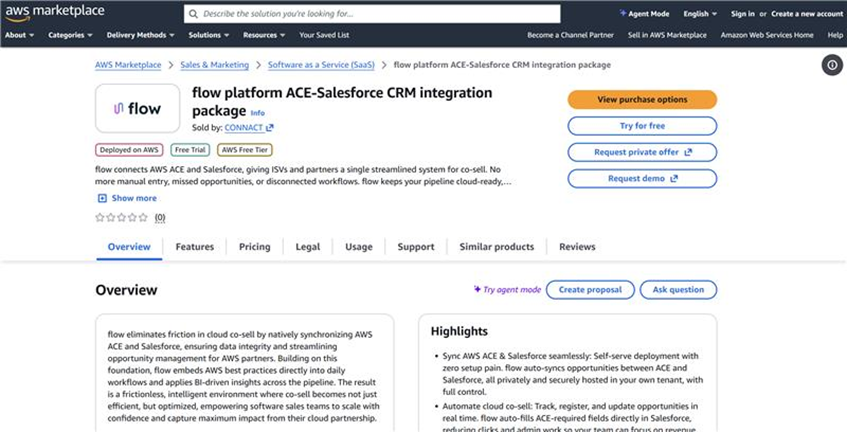
- Click “flow Platform ACE-Salesforce CRM integration package”
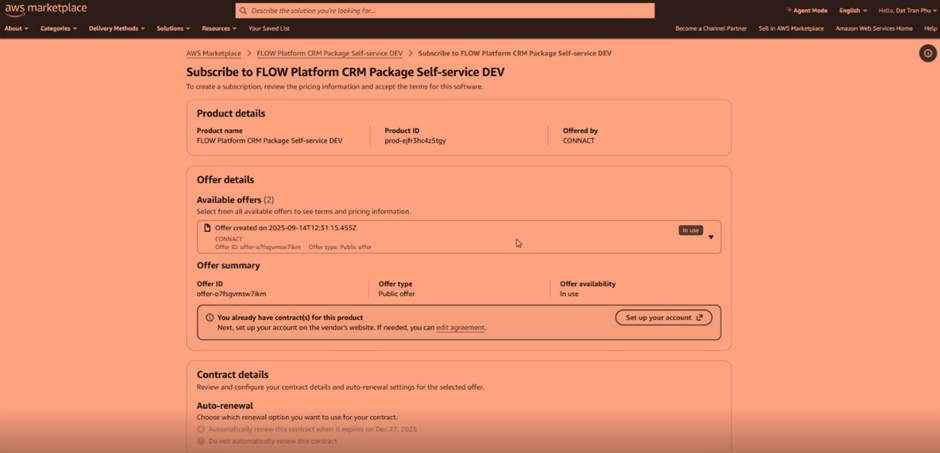
- In the Offer Details section, choose the relevant offer (trial or purchase).
- Scroll down and click Subscribe.
- After subscription completes, click Set up your flow account.
Step 4: Complete your flow registration
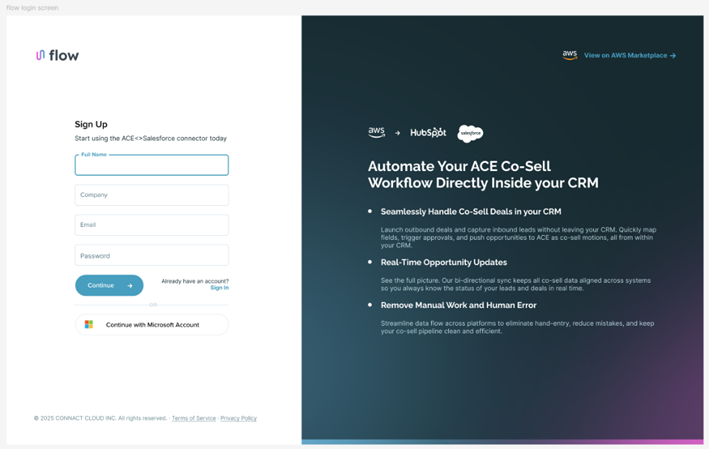
You will be redirected back to the flow onboarding page.
Fill in the required details:
- Full name
- Company
- Work email
Click Continue.
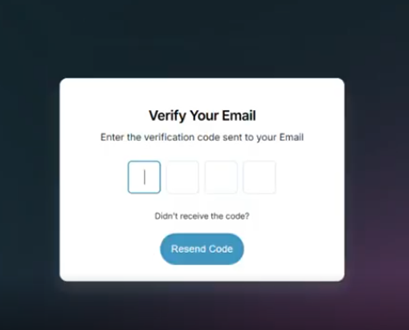
An OTP (one-time verification code) will be sent to your email. Enter the code to verify your account.
You’re all set
Check your inbox – a mail from flow will be waiting for you verifying your company account is activated and ready for setup.
Was this article helpful?
That’s Great!
Thank you for your feedback
Sorry! We couldn't be helpful
Thank you for your feedback
Feedback sent
We appreciate your effort and will try to fix the article